Odoo Amazon connector
Amazon Connector for Odoo
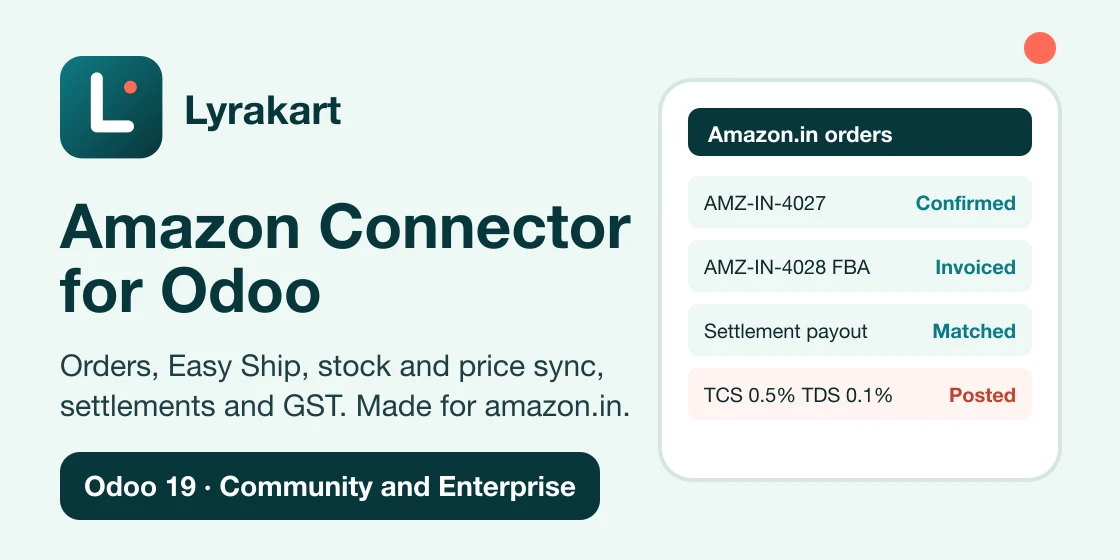
Your Amazon orders, stock and payouts in Odoo. Orders become sales orders, stock and prices go back to Amazon, and Amazon payouts are matched to your books. Built first for amazon.in.
- PriceUSD 999, one-time. No subscription, no renewal fees.
- Works withOdoo 17, 18, 19 and 20, Community and Enterprise
- Amazonamazon.in first; Europe, North America and Far East regions
Features
Everything from the order to the bank payout
Orders
Merchant shipped, Easy Ship, Self Ship, FBA and Amazon Business orders arrive as Odoo sales orders. Pending orders stay as quotations. FBA orders come in as delivered. Importing twice never doubles an order.
Easy Ship and Self Ship
Easy Ship: choose a pickup slot, schedule or reschedule the package, and get the label and invoice PDF on the delivery. Self Ship: validate the delivery and the carrier and tracking number go to Amazon.
Catalogue
Import your listings and match them to Odoo products by SKU, barcode or ASIN. An Unmatched queue to link, create or ignore. Listing status and issues kept up to date.
Create and edit listings
Build a listing from an Odoo product with Amazon's own rules for the product type. Amazon checks it first, then you send it. Edit and delete existing listings.
Stock and price sync
Rules for warehouses, buffer, percent and maximum. Price push is off until you switch it on, and every price must stay between a minimum and a maximum.
Settlements
Amazon settlements posted as balanced entries with fees, GST on fees, TCS and TDS, matched to your bank payout. Unpaid orders and amounts that do not match are flagged.
GST reports
MTR B2C, MTR B2B and stock transfer reports checked against your Odoo invoices before you file your GST return.
FBA and Multi-Channel Fulfilment
Make an FBA inbound plan from a stock transfer and follow it until Amazon receives it. Ship orders from other channels from your Amazon stock.
Returns and claims
Return receipts, credit notes, FBA returns, reimbursements and removals, and SAFE-T claim tracking.
Made for India
What other connectors skip
- CGST and SGST or IGST chosen by the buyer state when the Indian localisation is installed.
- Easy Ship pickup slots, labels and invoices from the delivery order.
- TCS and TDS lines in every settlement, checked against the rates you set.
- MTR reports checked against your invoices.
- Settlement matching on Odoo Community. No Enterprise app is needed.
Your data
Orders go straight to your Odoo
Orders and buyer details go from Amazon straight to your Odoo. The Lyrakart connection service keeps your encrypted Amazon login token and passes on change notices. It does not store orders, buyer names or addresses.
Buyer details in your Odoo are removed after a retention period (30 days by default). Tax data you need stays. A security audit log and a bi-weekly review e-mail are included.
How it works
Set up in three steps
- 1
Install
Buy and install the app from the Odoo Apps Store. It brings the whole Amazon menu with it.
- 2
Connect
Choose your region and press Connect. You sign in to Seller Central and approve. Odoo then loads your marketplaces.
- 3
Set up each marketplace
Choose the warehouse, customers, invoicing, stock rules and finance accounts. Listings and orders start coming in.
Requirements
What you need
- Odoo 17, 18, 19 or 20, Community or Enterprise, on Odoo.sh or your own server. Not for Odoo Online, which cannot install apps from the Apps Store.
- The Sales, Inventory, Invoicing and Delivery Methods apps (standard Odoo apps).
- A public HTTPS address for your Odoo database.
- An Amazon Seller Central account.
- Buyer GSTIN on business orders and the buyer address for Self Ship need extra access that Amazon grants to this app. It is not granted yet; until then these fields stay empty and everything else works.
Support
info@lyrakart.com. Tell us your Odoo version, the Amazon marketplace and what happened.
Installation help
The app's setup screens walk you through connecting Amazon and setting up each marketplace. If you get stuck, email us and we will help you finish the setup.
FAQ
Questions about the connector
How much does it cost?
USD 999, paid once on the Odoo Apps Store. No subscription and no renewal fees.
Which Odoo versions are supported?
Odoo 17, 18, 19 and 20, Community and Enterprise, on Odoo.sh or self-hosted. Not Odoo Online.
Do my orders pass through Lyrakart?
No. Orders and buyer details go from Amazon straight to your Odoo. The Lyrakart connection service keeps your encrypted Amazon login token and passes on change notices. It does not store orders, buyer names or addresses.
Is it only for amazon.in?
It is built first for amazon.in, with GST, Easy Ship, TCS and TDS. It also connects the Europe, North America and Far East regions, with EU and UK VAT report checks.
How do I get help?
Email info@lyrakart.com and we will reply by email.
Get Amazon Connector for Odoo
USD 999, one-time, on the Odoo Apps Store. Questions before you buy: info@lyrakart.com.
Amazon is a trademark of Amazon.com, Inc. or its affiliates. Odoo is a trademark of Odoo S.A. Lyrakart is not affiliated with either.